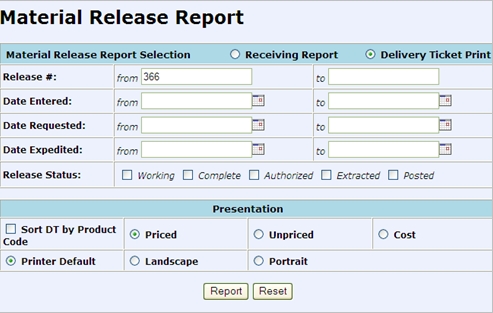
The last step in the Cable Management Process is to Create a Delivery Ticket for the Release.
STEP 4 - CREATE DELIVERY TICKET
To create a Delivery Ticket the Release has to have a status of Authorized. If your Release does not have a status = Authorized return to Step 3.
Return to the Releasing Menu in CMMS, go to -> Material Release -> and select Release Report/Create Deliver Ticket.
A Delivery Ticket is being created so be sure to select the radio dial for Deliver Ticket Print at the top of the Material Release Report.
Enter the Release # and click report. Release Header Record is displayed. Select the Release to create the ticket for and click Report
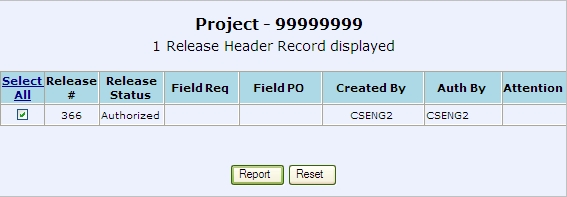
DT Ticket items will be generated and a new DT will be created. After generating, the user will be taken directly to a link to print the new ticket.

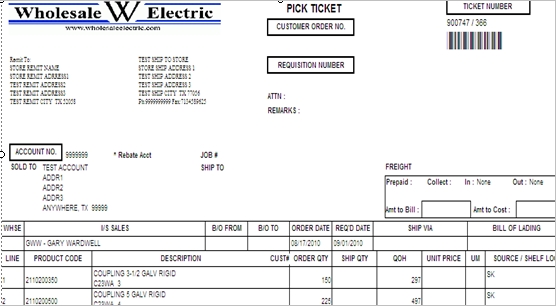
When DT is created the material quantity in the Bin moves from Committed to Released (distributed).
At this point if another cut needed to be made from the same bin, it would be permitted.